
One click to save your week. One click to reset it.
Your progress updates automatically.
WEEKLY PLANNER
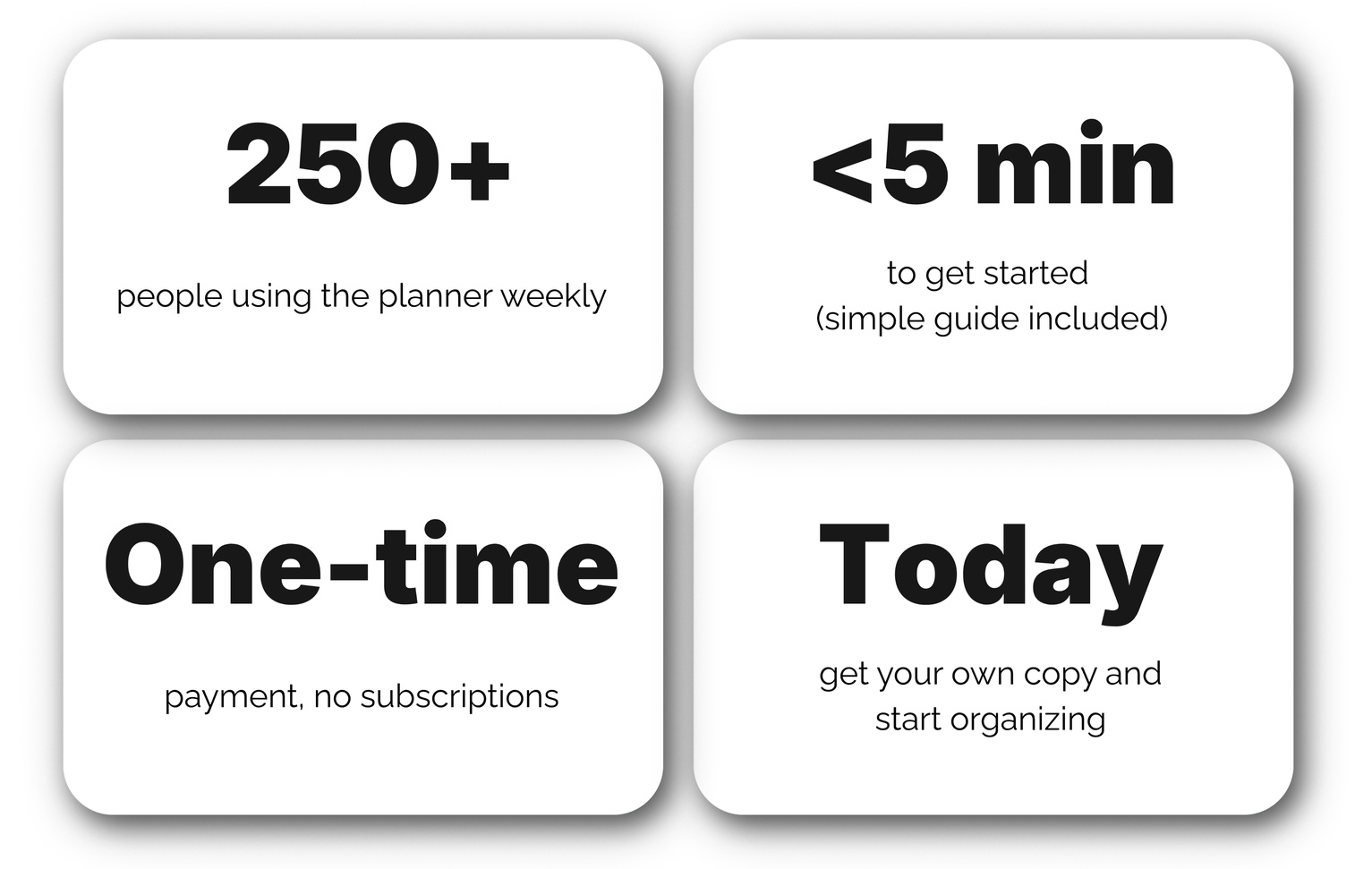
$12.99
🔒 Payments secured by Lemon Squeezy (a Stripe company)
Apple Pay • Google Pay • PayPal • Cash App • Card • Bank

✦ What's inside
✅ Includes a clear, step-by-step PDF guide with screenshots, so you can get set up in minutes with no guesswork
✦ How it works
✦ What it tracks automatically
Daily progress donuts
Total weekly completion
Habit consistency
Checked vs. remaining tasks
All visual charts and percentages
✦ What makes it effortless
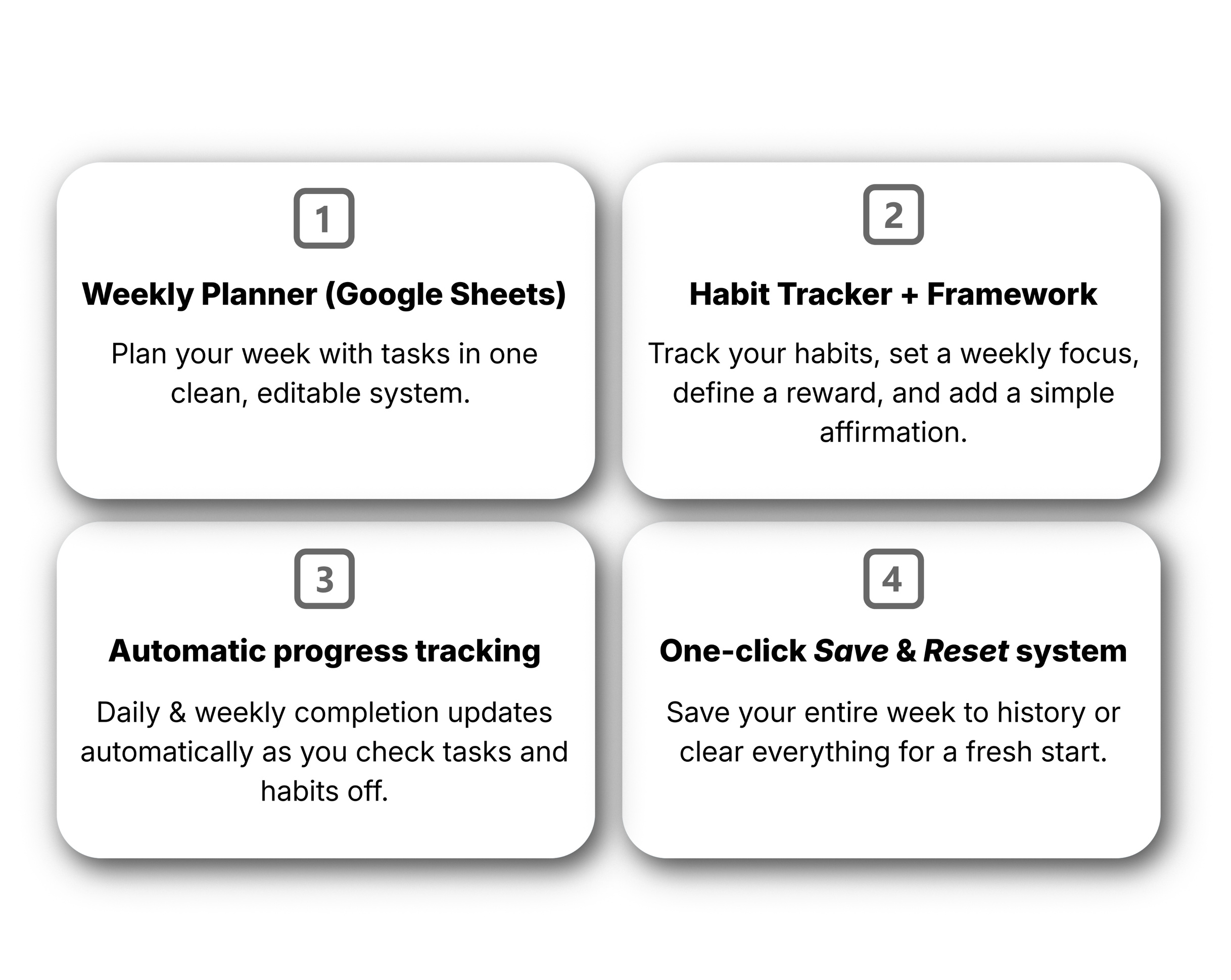
Save 💾 – archives your entire week into a clean history tab named after your start date
Clear 🔄 – resets the template instantly for a fresh new week
Dynamic dates – both dates and weekday labels update automatically when you change the start date
Weekly Focus, Reward & Affirmation – simple prompts to set your intention for the week and define your end-of-week reward
Visual progress feedback – clean charts and indicators that make it easy (and motivating) to finish your daily and weekly tasks
*Save & Clear buttons work on desktop. On mobile, you can use the planner without them.
✦ Why it works
No:
rewriting
manual copying
formatting
clutter
Everything you need to stay on track, in one simple system - so you can focus on what actually matters.
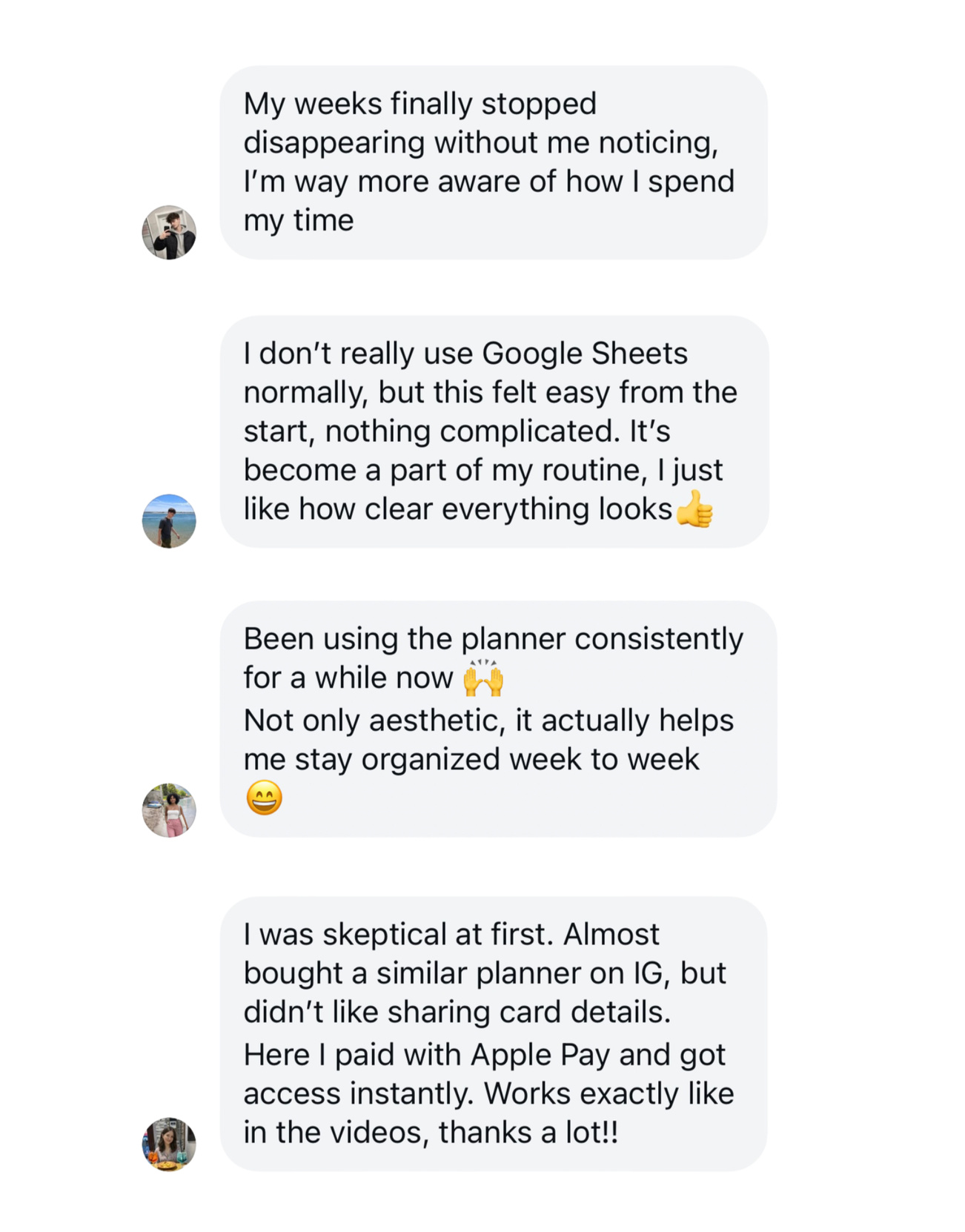
Read the reviews of our planner
More productivity tools coming soon⏳
Contact & Support: [email protected]